Essential business documents for UK mobile beauticians in 2026
Templates and forms for UK mobile beauticians: Mobile Beautician business templates →
TL;DR: A UK mobile beautician needs documents for client forms, treatment records, travel, patch-test notes, booking terms, deposits, aftercare and invoices. The useful pack is consultation form, treatment record, route note, patch-test record, aftercare sheet and invoice. Mobile beauty work adds travel and setup pressure to the usual client-service admin. The appointment is not just the treatment; it includes address details, parking, kit, timing, hygiene setup, deposits and aftercare. Written records keep that moving neatly. The point is not paperwork for its own sake. The point is to make the work easier to prove, price, repeat and hand back to the customer without relying on memory. For a mobile beautician, the useful document set should answer four questions quickly: what was agreed, what happened, what is owed, and what needs following up.
Why documents matter for UK mobile beauticians
For mobile beauticians, admin problems usually start around consultation form, treatment record and travel and access note. A missing detail can become a longer customer conversation, an unpaid balance, a repeated visit or a bookkeeping gap. Written records keep the practical detail close to the work instead of scattered across messages, memory and receipts. For mobile beauticians, the most useful admin pack is a small set of repeatable records that match the way the business actually operates. Keep the pack close to the moments where decisions are made: confirm address and access before travel, update client notes after each appointment, the invoice, the payment note and the follow-up. When each step has a named record, the mobile beautician business feels calmer and customers get clearer answers.
The documents to keep ready
1. Consultation form
Capture client details, service requested, relevant disclosures, preferences and notes for future visits.
2. Treatment record
Record service, products used, location, date, add-ons and follow-up.
3. Travel and access note
Keep address, parking, stairs, setup space and travel charge visible before the appointment.
4. Patch-test record
Where your service process needs patch testing, record product, date, outcome and client acknowledgement.
5. Aftercare sheet
Give a written aftercare reminder that matches the service provided.
6. Invoice or receipt
Record service, travel charge, deposit, balance and payment method.
How to use the documents without creating admin drag
Build the habit around the way the work actually happens: confirm address and access before travel, then update client notes after each appointment. If those two steps happen while the week is still fresh, the rest of the paperwork becomes a short tidy-up rather than a full reconstruction. For a mobile beautician business, when the customer record, receipts for beauty products and disposables, invoices and payment notes sit together, updating the bookkeeping record stops feeling like a separate investigation.
What to keep digital
For mobile beauticians, customer-facing documents should be easy to send and finance records should be easy to search. Keep customer documents as PDFs or editable templates, keep the bookkeeping record in one spreadsheet or software system, and use file names that include the customer, date and job type. For mobile beauticians, a phone inbox is useful evidence in the moment, but it is a poor long-term filing system. Save the details that prove the booking, payment and customer instructions for consultation form somewhere searchable before the message thread disappears under the next week's work. That same discipline helps when product costs repeat often or when home visits change the record; the business record then explains the real pattern instead of leaving you to recreate it later.
A weekly filing slot
Set aside one short slot each week and use it only for filing. Match each receipt to the job it belongs to, write the customer and the amount on the same note, and put anything unclear in a separate pile instead of guessing. Do the same for money that came in. When the slot is finished, the week's folder should tell you what was earned, what was spent, and which job each item belonged to. That habit is easier to keep than a pile of notes at the end of the year, and it gives an accountant a clean set of records to review.
Where LaunchKit fits
LaunchKit's mobile beautician business documents pack gives you a ready-made starting point for the records above. The Mobile Beautician niche page shows the live tools currently available for this niche, so the product links stay aligned with what LaunchKit actually sells today. This article is general guidance, not legal advice or tax advice. Review templates against your own circumstances and get professional advice where your situation needs it.
Next useful links
Build out your mobile beautician setup
Mobile Beautician business templates
See the LaunchKit hub for mobile beauticians.
Beauty & Wellness templates
Compare related beauty & wellness business resources.
Mobile Beautician Business Documents — Premium
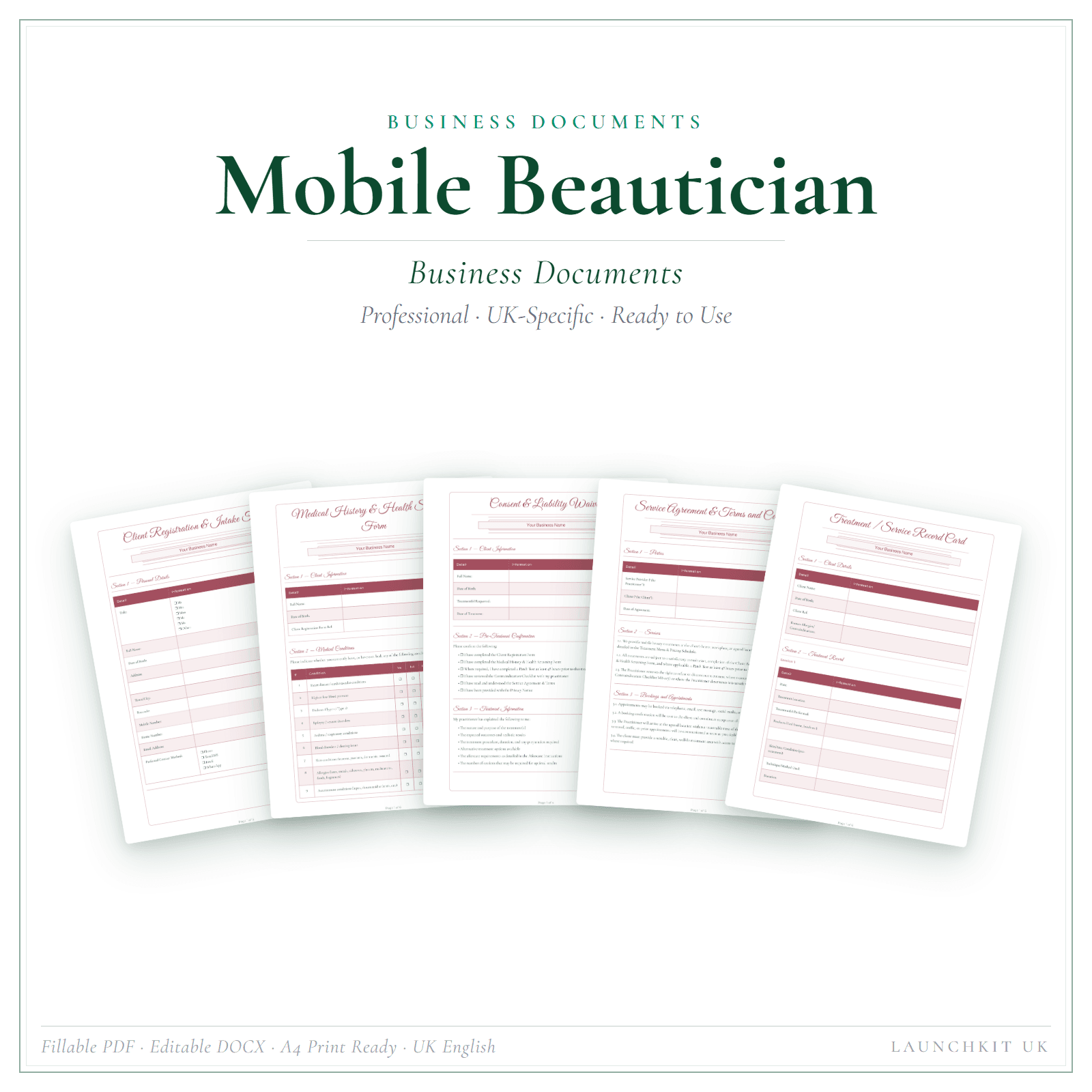
18 business-record templates for Mobile Beautician businesses, each supplied as a fillable PDF and an editable DOCX file.
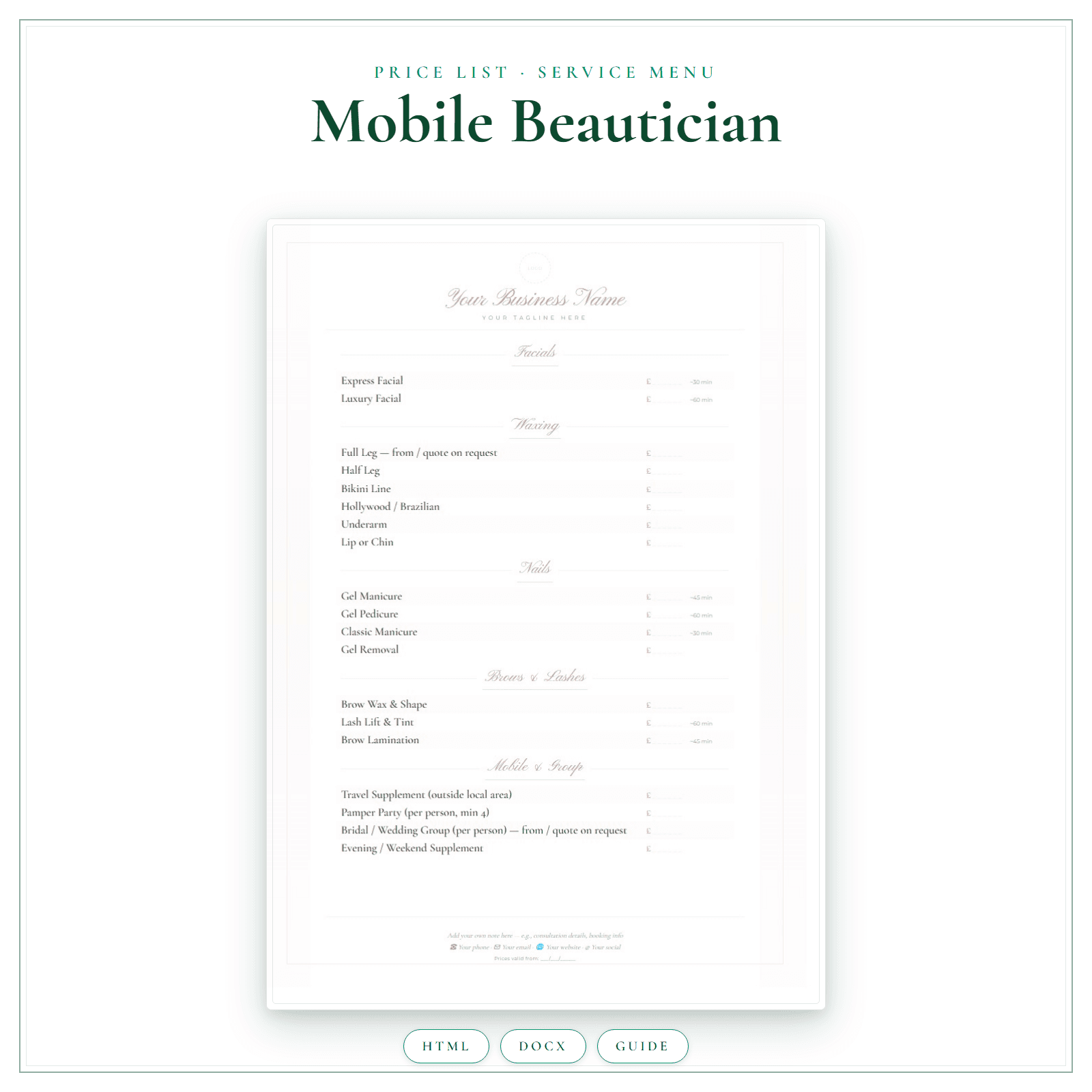
Mobile Beautician Price List Template UK: A Practical Guide
A mobile beauty price list has a cost a salon menu does not: the travel. A list copied from a salon quietly gives away your driving time and your unfilled gaps between appointments. This guide shows…
How to Start a Mobile Beauty Business UK
Start a UK mobile beauty business with licensing checks, hygiene, pricing, consent forms, travel rules and HMRC basics.
Related LaunchKit tools
Templates mentioned in this guide
More tips for mobile beauticians
Free advice, templates and product updates. No spam.