Hair Salon Price List Template UK: A Practical Guide
Templates and forms for UK hair salons: Hair Salon business templates →
TL;DR: A salon price list is a quiet salesperson, not a poster on the wall. The order you list services in shapes what clients book, and a flat menu that buries colour beneath cuts leaves money on the table. This guide shows a UK salon how to structure a service menu so the high-value work reads first, how to handle "from" pricing without a row at the till, and when a notes-app list stops paying for itself.
Most UK salons build a price list the same way: list the services as they came to mind, put a number next to each, and never touch it again until costs force a rushed round of increases. The menu works, but it is doing one job when it could do three.
Your price list is the document a client reads while the colour develops and while they wait for their stylist. That makes it worth structuring before you drop it into a nice template.
What a salon price list is actually for
A service menu has three jobs, and looking pretty is the least important.
- It has to show what the client pays, clearly enough that the figure at the till is the figure they expected.
- It has to lead the eye to the work that earns most, so colour, balayage and treatments get noticed before the £25 cut.
- It has to let any stylist, including a new starter, quote a service with confidence instead of guessing.
Get those three right and the layout almost sorts itself. Most pricing disputes trace back to a menu that answered none of them.
Order the menu so the high-value work reads first
Clients scan top to bottom and anchor on what they see early. If your first line is "Dry cut £25", that becomes the number every other service is judged against, and the colour work you would rather sell sits below it looking expensive.
Flip the logic. Lead with the signature and colour work, and let the basic cut sit underneath as the entry point. A workable order for a UK salon:
- Colour and signature services: full head, balayage, foils, colour correction, toner refresh.
- Cutting: restyle, cut and finish, fringe trim.
- Treatments and add-ons: bond-building treatment, gloss, blow-dry, occasion styling.
- Quick services: root touch-up between visits, child's cut.
The order is the strategy. A client who reads "Balayage and cut from £95" first measures a £45 cut against it and often trades up. Led with the £45 line instead, the same client never considers the colour.
Price the chair, then write the menu
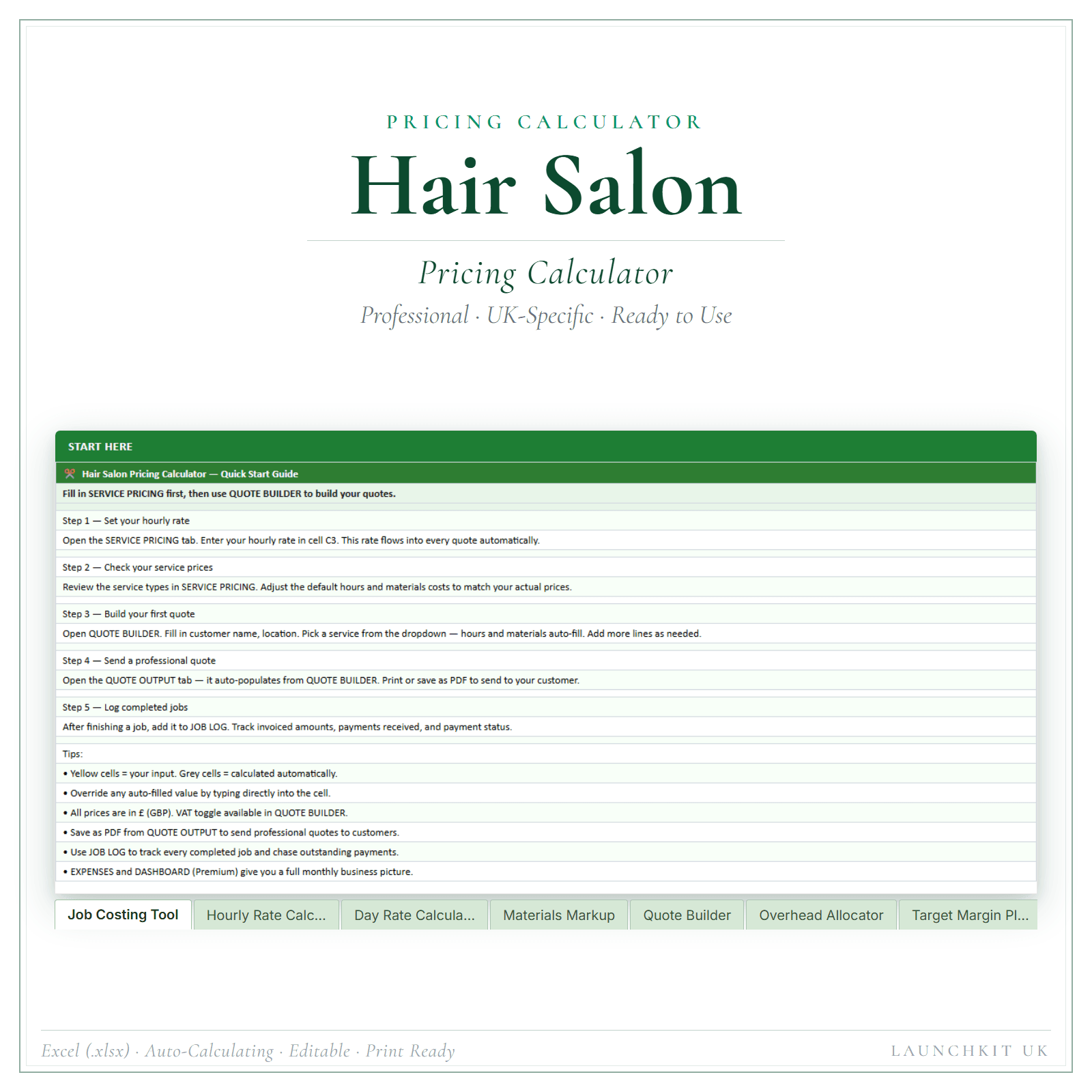
Before you set a number, know what a chair-hour is worth to the salon once rent, products and gaps are accounted for. A full-head colour that ties up the chair for three hours and uses £20 of product cannot sit just above a cut, because it is occupying the time and materials of several cuts. Our guide on how much a hairdresser should charge walks through the chair-hour, and a hair salon pricing calculator (Pricing Calculator Premium, £14.99) is an 8-sheet Excel workbook that turns it into per-service numbers you can defend.
The "from" pricing trap
"Colour from £60" feels flexible. It is also the most common cause of awkward till moments. The client reads £60, the work runs to a £110 full head, and the gap is yours to explain while the next appointment waits.
Hair genuinely varies by length and thickness, so keep ranged pricing if you need it, but do two things on the menu itself. Show the realistic top, not just the floor ("full-head colour £60 to £110, depending on length and thickness"), and add one line of context: "Final price confirmed at consultation." That moves the money conversation to the start, where it belongs.
Name your add-ons before the stylist has to
Add-ons are where salons quietly leak margin. The gloss, the bond treatment, the extra toner: if they are not on the menu, the stylist either throws them in or springs them as a surprise. Both cost you. Give them a short block with clear prices so the menu does the awkward part and your team does not have to.
When a notes-app list stops paying for itself
A typed sheet or a notes-app list is fine on day one. You have outgrown it when:
- Clients query the bill against an out-of-date menu.
- A new stylist guesses at add-on prices because nothing is written down.
- Raising prices means rebuilding the whole document from scratch.
- The salon offers twenty services but the menu lists eight.
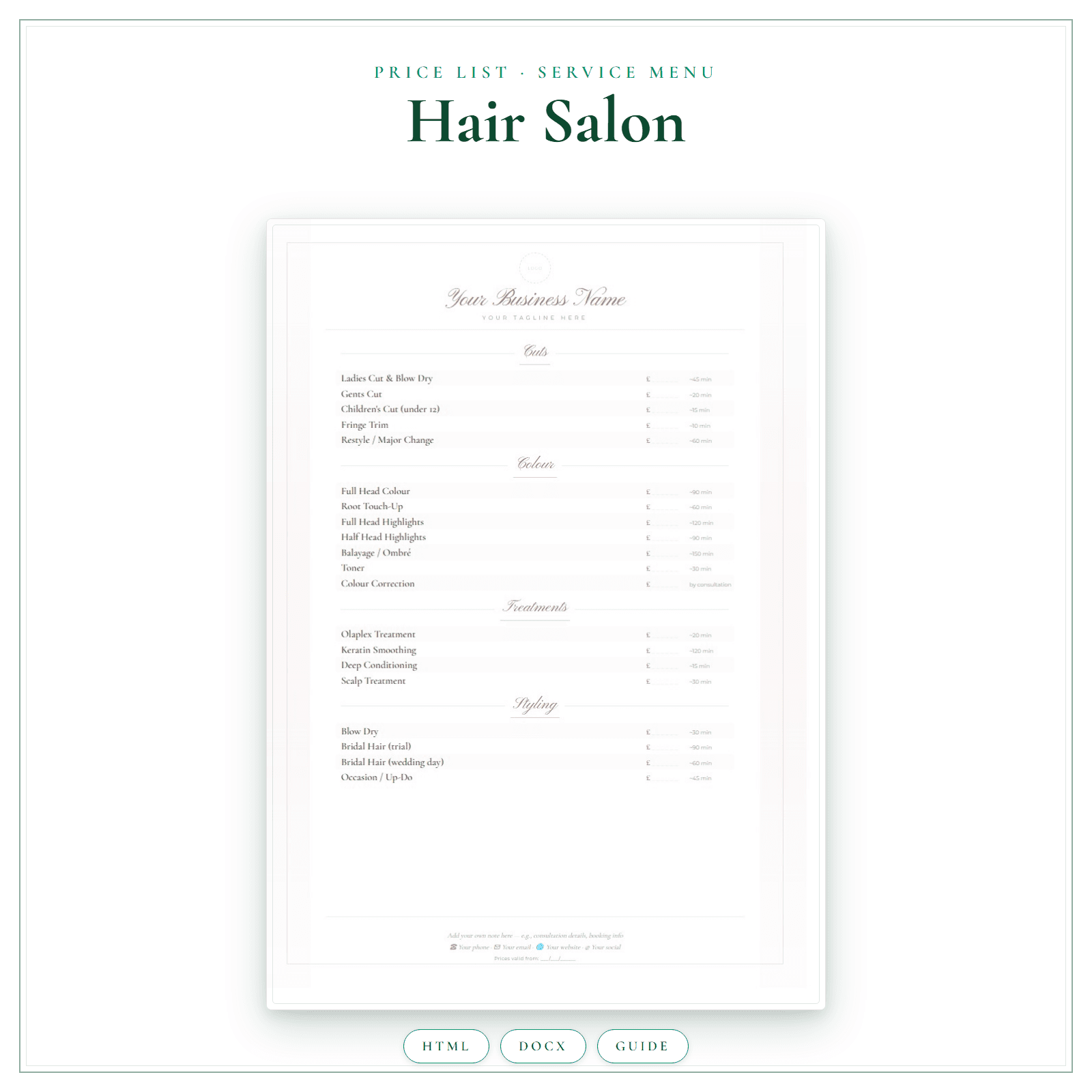
At that point you want a structured menu you can edit in minutes and reprint clean. That is the job of the hair salon price list and service menu (Price List & Service Menu, £4.99): an A4 template, pre-filled with salon service categories, that you edit in your browser as an interactive HTML file or in Microsoft Word using the editable DOCX, then print to PDF for the salon. It is three files including a How to Use Guide, so you fill in your prices rather than build the layout from scratch.
A simple structure to copy
- Header: salon name and "prices effective from [date]".
- Colour and signature services first.
- Cutting and finishing.
- Treatments and add-ons block, each priced.
- One honest note: "Final price confirmed at consultation."
- Footer: opening hours and booking details.
Where the menu sits in the bigger picture
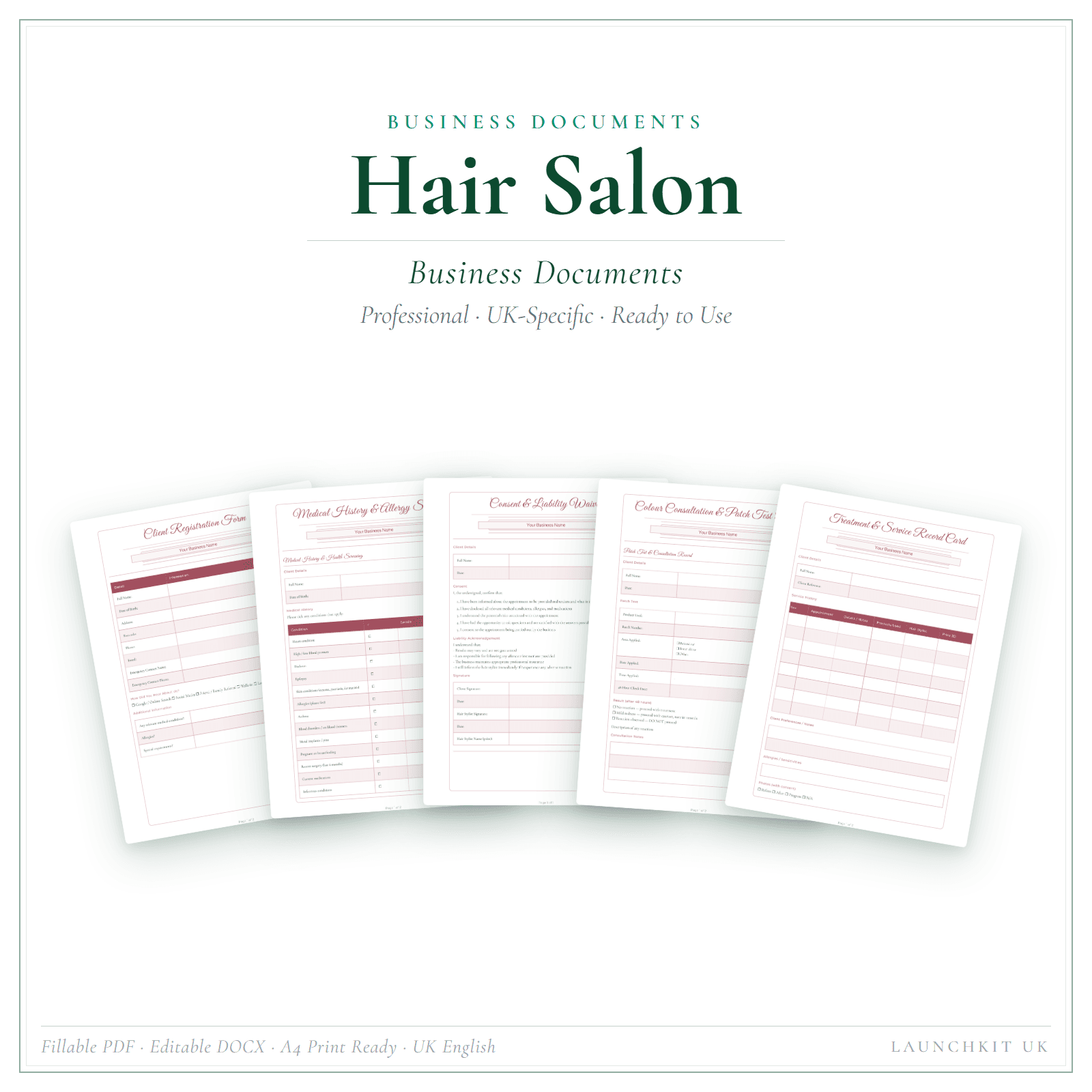
A menu works better when the rest of your paperwork agrees with it. The Price List & Service Menu overview explains the editable formats and which businesses currently have a live template. The consultation that confirms a colour price, the patch-test record, the cancellation terms: these sit alongside the menu. A hair salon business document set (Business Documents Premium, £19.99) gives you those forms, and our hair salon business documents guide walks through which ones a salon actually needs.
Sort the order, cost the chair, and let the template be the easy last step. A clear menu that leads with the work you want to sell is worth more than a beautiful one that buries it.
This article is general guidance, not legal advice and not tax advice, written for UK hair salons. Verify current VAT registration thresholds and rules on GOV.UK before making registration decisions.
Next useful links
Build out your hair salon setup
Hair Salon business templates
See the LaunchKit hub for hair salons.
Beauty & Wellness templates
Compare related beauty & wellness business resources.
Hair Salon Price List & Service Menu
Salon clients shop on price as much as on stylist reputation — and the question "how much for a balayage?" arrives before the booking.
Hair Salon Pricing Calculator — Premium
Price each appointment in an Excel workbook (.xlsx) built for UK hair salons. The sum is hours × your hourly rate, plus materials with a markup, plus a fixed fee such…
How Much Should a Hairdresser Charge in the UK?
Most UK hairdressers price by copying the salon down the road, then absorb the colour time, the product cost and the gaps between clients themselves. Your price should start from what a chair-hour…
Hair Salon Business Documents UK: The Paperwork That Protects You
A UK hair salon needs a handful of documents far more than it needs forty: the consultation and skin-test record, the cancellation and deposit terms, and a tidy way to hold client details under…
Related LaunchKit tools
Templates mentioned in this guide
Hair Salon Price List & Service Menu
What you get
- A frame-ready menu that answers "how much for a balayage?" before clients ask
- Includes Interactive HTML price list (edit in your browser), Editable DOCX price list (edit in Microsoft Word) and How-to-Use Guide PDF (instructions for both formats)
- Editable HTML + Word · Instant access
Hair Salon Pricing Calculator — Premium
What you get
- Work out a price from your hours, hourly rate, materials and a fixed fee
- Includes Service Pricing, Quote Builder and Quote Output, plus 5 more
- Best used in Microsoft Excel · Instant access
Hair Salon Business Documents — Premium
What you get
- 19 business-record templates — fillable PDF, editable DOCX, and one fill-online HTML bundle
- Includes Client Registration, Medical History Screening and Consent Liability Waiver, plus 16 more
- Fillable PDF + DOCX + fill-online HTML · Two secure downloads
More tips for hair salons
Free advice, templates and product updates. No spam.