Photographer Client Contract Template UK: The Clauses That Protect Your Fee
Templates and forms for UK photographers: Photographer business templates →
TL;DR: Most disputes can be traced to one missing line in the booking contract. This guide walks a UK photographer through the clauses that actually get tested: cancellation, the deposit, image rights and the "can I have the RAWs" question, with a worked wedding example and where a generic Word template quietly leaves you exposed.
Mileage: If you use simplified expenses for a vehicle, check the current rate on GOV.UK simplified vehicle expenses before you put a figure in your records.
A photography contract earns its keep on the day something goes wrong. The booking that cancels a fortnight before the wedding. The client who asks for the unedited files. The brand that runs your shots in a paid ad you never licensed. None of it feels likely when you send the booking form, and all of it is routine over a few hundred shoots.
That is why the contract has to be right the first time. A handshake and a deposit request over WhatsApp is not a contract, and "I'll sort it later" is how the fee gets argued about later.
What a photographer's contract actually has to do
Strip away the legal-sounding padding and a booking contract has four jobs.
- It has to secure the fee so a cancellation does not wipe out a day you can no longer resell.
- It has to define what the client gets: how many edited images, in what format, by when.
- It has to set the licence so the client knows what they can do with the photos, and what they cannot.
- It has to cap your liability if a card corrupts or a venue bans flash mid-ceremony.
Get those four right and the rest is detail. Get them wrong and a good set of images still ends in an argument over money.
The cancellation clause is the one you will lean on
Shoots cancel. Weddings get postponed, newborn dates slip, a commercial client loses their budget. The question is never whether a cancellation happens, but who carries the cost when it does.
A vague clause like "deposits are non-refundable" sounds firm and protects almost nothing. It does not say what happens to the balance, whether the date can be moved, or how much notice triggers what charge. A sliding scale does the real work:
- More than 90 days' notice: deposit retained, no further charge.
- 30 to 90 days: deposit plus 50% of the balance.
- Under 30 days: full fee due, because that slot is now unsellable.
You can soften any of this for goodwill. The point is that the decision is yours from a written position, not a negotiation you start from zero while the client insists nothing was agreed.
The deposit, the balance and a worked example
A real number makes the case better than any clause does. Say you shoot a wedding for a fixed fee of £1,400. Your contract takes a 50% booking deposit of £700, with the balance due 14 days before the date.
Three things have to be written down for that £1,400 to actually land:
- The deposit secures the date and is non-refundable if the client cancels, because it pays for the bookings you turned away.
- The balance is due before the day, not after delivery, so you are never chasing someone who already has their photos.
- Out-of-scope work is priced in advance. If the couple asks you to stay two hours past the agreed coverage, your contract names the hourly rate, say £150, rather than leaving you to invoice for "extra time" and hope.
Run the cancellation scale against that £1,400 and a client who pulls out at 21 days owes the full fee, because you cannot fill a Saturday in three weeks. None of it improvised at the door.
If a venue is 60 miles away and you drive there and back to scout, then again on the day, that is 240 miles. The simplified expenses mileage rate on GOV.UK is for your tax records, not a customer travel price. Set and disclose your own travel charge. The photographer Financial Forms Premium (£19.99) includes the exact Mileage Log and other forms listed on its page.
Image rights and the "can I have the RAWs" question
This is the clause that causes the most heat, because client and photographer assume opposite defaults.
Check who owns the copyright in commissioned work using GOV.UK: Copyright, and state it plainly in your contract. The client buys a licence to use the images, not the copyright itself, unless your contract assigns it. If you do not say which you are granting, you invite the argument.
Spell out three things on the booking form:
- What the client may do with the images, such as personal use, prints and social media, and, for a brand, whether the licence covers paid advertising or is limited to organic posts.
- What they may not do, such as selling the images on, claiming authorship, or editing them in a way that misrepresents your work.
- Whether you keep the right to use selected images in your own portfolio, with an opt-out for clients who need privacy.
On the RAW files: you are entitled to say no, and most photographers do. Your edit is the product; the RAWs are your working file. A single line settles it: "edited high-resolution JPEGs are delivered; unedited RAW files are not part of the package." If you release RAWs as a paid extra, name the price rather than deciding it under pressure.
Model releases and the right to publish faces sit alongside this. Our guide to model releases and image rights for UK photographers covers when you need written consent and how it interacts with the licence you grant the client.
An honest counterpoint
A template is not a substitute for a solicitor on every job. If you are signing a five-figure commercial commission or anything with an exclusivity or buy-out clause, pay for an hour of proper legal advice. The fee is small against the contract value.
For the wedding, the portrait session, the headshot booking, the £1,400 Saturday that fills most UK photographers' diaries, a clear, niche-specific template is proportionate. It covers the clauses that get tested without the cost of a lawyer drafting from scratch every time. Reaching for a solicitor on a £300 newborn shoot is as much a mistake as using a borrowed Word contract on a £15,000 brand campaign, and which call you make is a different decision each time.
Where a generic Word template lets you down
The free contract you adapted from another photographer's blog usually fails in the same places:
- It uses US terms or assigns copyright by default, the opposite of what UK law gives you.
- It has a deposit line but no cancellation scale, and says nothing about the licence.
- It looks like a borrowed document, because it is, which costs you credibility when the client is deciding whether you are serious.
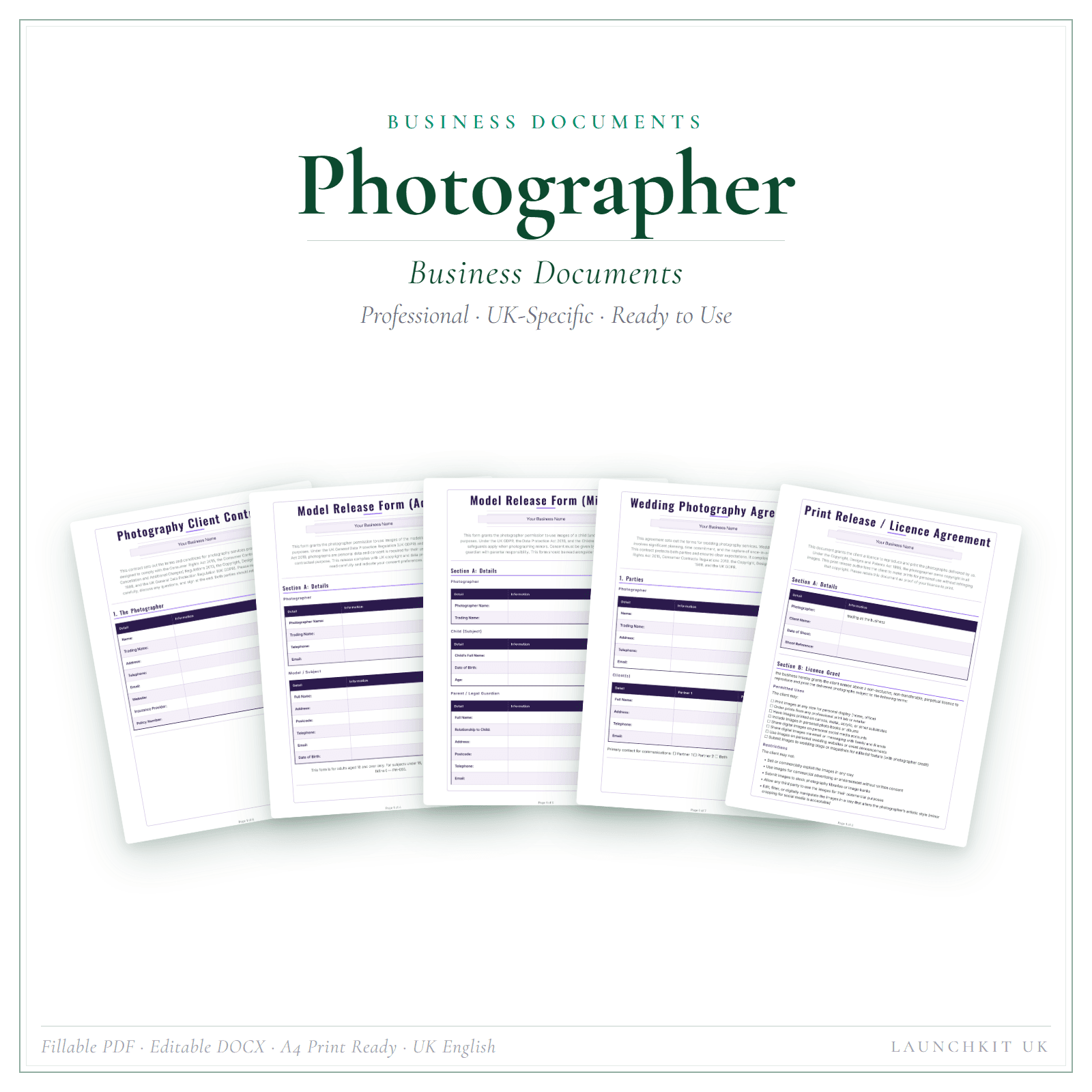
A proper photographer business document set gives you the booking contract, terms and conditions, model release and the client-facing forms built around how a UK photography business runs. The Premium tier is 15 forms in interactive fillable PDFs and editable DOCX files, plus a separate fill-online HTML bundle as the second of two downloads (all templates ship blank), so you can complete forms on screen or adapt the Word versions. It is the Business Documents Premium pack at £19.99, written for your trade rather than swapped from someone else's.
If you also want a clean, client-facing list of what you charge for packages, prints and add-ons, a photographer price list and service menu (Price List & Service Menu, £4.99) sits alongside the contract so your booking-form numbers match the menu the client first saw.
If you do nothing else
Before your next booking, check your contract answers four questions in writing: what happens if they cancel, when the money is due, what they can do with the images, and whether they get the RAWs. If any answer is "we never wrote that down", that is the line a future dispute will turn on. Sort the clauses first, let the layout be the easy part, and pay for bespoke legal help on the jobs that genuinely need it.
This article is general guidance, not legal advice, and is written for UK photographers. Copyright, licensing and HMRC rules change, so verify current mileage rates and VAT thresholds on GOV.UK, and take professional advice on high-value or complex commercial contracts before you sign.
Next useful links
Build out your photographer setup
Photographer business templates
See the LaunchKit hub for photographers.
Creative & Media templates
Compare related creative & media business resources.
Photographer Business Documents — Premium
15 business-record templates for Photographer businesses, each supplied as a fillable PDF and an editable DOCX file.
Photographer Financial Forms Bundle — Premium
14 distinct financial record templates for Photographer businesses, each supplied as a fillable PDF and an editable DOCX file.
Model releases and image consent for photographers: a practical guide for 2026
Most image-consent disputes trace back to one of three gaps: no written consent, consent for personal but not commercial use, or consent that wasn't kept. Here's the paperwork that closes them, and where to check the official guidance.
How to get photography clients (UK): a step-by-step plan for your first bookings
Most new photographers try to be found by everyone and get booked by no one. Pick one kind of shoot, show only that work, and build referral partners who already meet your clients.
Related LaunchKit tools
Templates mentioned in this guide
Photographer Business Documents — Premium
What you get
- 15 business-record templates — fillable PDF, editable DOCX, and one fill-online HTML bundle
- Includes Photography Client Contract, Model Release Adult and Model Release Minor, plus 12 more
- Fillable PDF + DOCX + fill-online HTML · Two secure downloads
Photographer Financial Forms Bundle — Premium
What you get
- 14 distinct financial record templates — fillable PDF, editable DOCX, and one fill-online HTML bundle
- Includes Cash Flow Forecast, Client Payment Record and CPD Training, plus 11 more
- Fillable PDF + DOCX + fill-online HTML · Two secure downloads
Photographer Price List & Service Menu
What you get
- Wedding, portrait, event and commercial packages — clients see what's included before the discovery call
- Includes Interactive HTML price list (edit in your browser), Editable DOCX price list (edit in Microsoft Word) and How-to-Use Guide PDF (instructions for both formats)
- Editable HTML + Word · Instant access
More tips for photographers
Free advice, templates and product updates. No spam.