Choose a message or email that fits the situation.
Painter Decorator
Painter Decorator AI Copy Kit
 See all 4 previews
- Ready-made customer messages, emails and prompts for Painter Decorator
- Includes AI Copy Kit Main, Copy Banks and Email Templates, plus 1 more
- 4 editable DOCX + 4 reference PDFs · 8 files total
Digital download4 editable DOCX + 4 reference PDFs8 files total
1 / 4
Real-world example
Look inside before you buy.
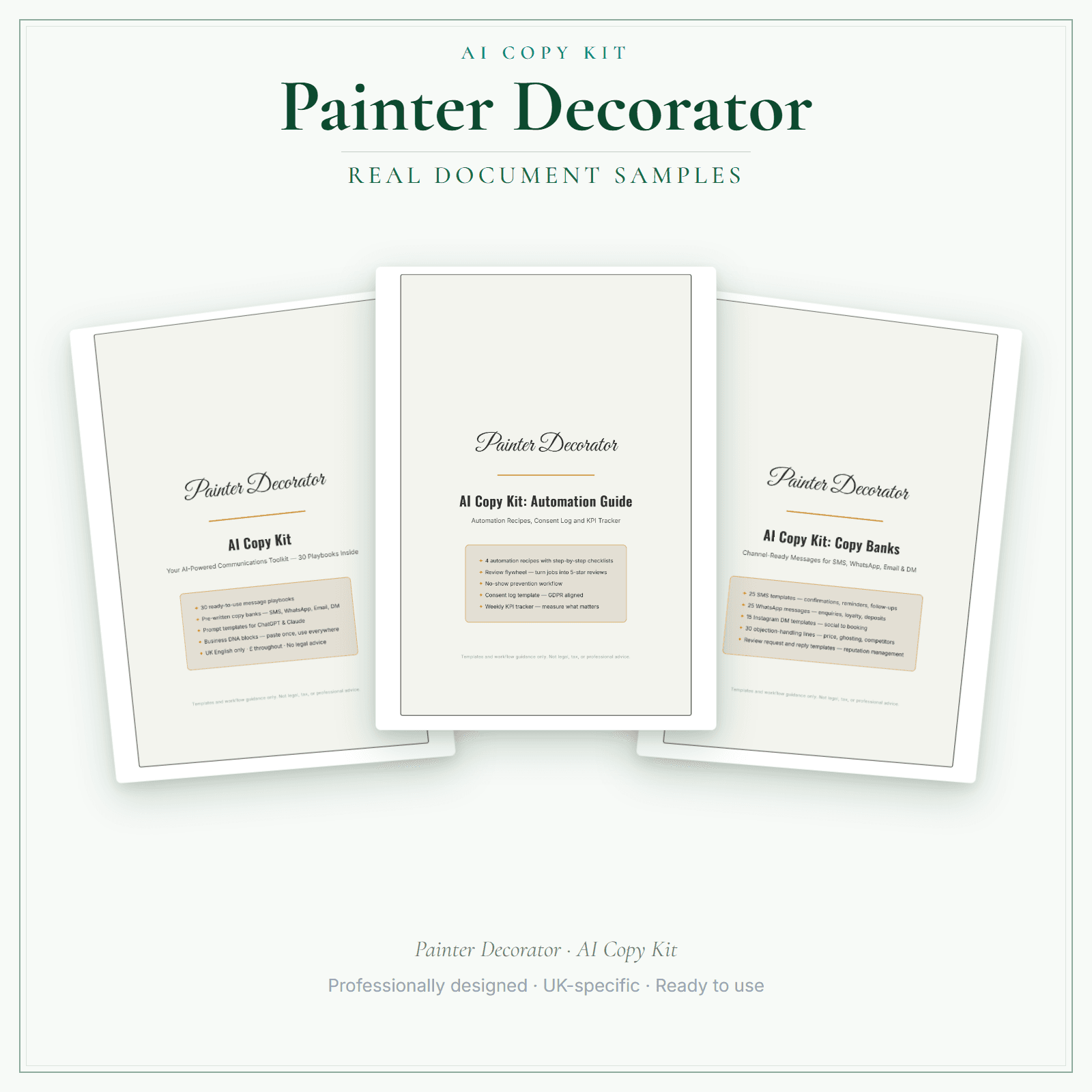
Pages from the Painter Decorator AI Copy Kit.
The Painter Decorator AI Copy Kit is a ready-made communication toolkit for customer messages, emails and reusable prompts. You receive 4 core documents — AI Copy Kit Main, Copy Banks, Email Templates and Automation Guide — each supplied as an editable DOCX and a read-only reference PDF: 8 files in your download. Copy and customise the wording for your services, area, prices and policies. The kit does not write or publish content automatically; use the prompt formulas with your own AI tool if you choose. These are communication templates and prompts, not legal, tax or medical advice, and not a substitute for professional guidance.
4 core documents supplied as 4 editable DOCX files and 4 read-only reference PDFs — 8 files total
Ready-made customer messages, copy banks, email templates and reusable prompt formulas
Use the supplied prompts with your own AI tool if you choose; the kit does not write or publish automatically
Starting points you customise — not legal, tax or medical advice
Price£14.99
Preview pages
Preview what's inside
In the pack
What's included
- AI Copy Kit Main
- Copy Banks
- Email Templates
- Automation Guide
Preview pages
Who it's for
Who this painting and decorating pack is for
Decorating jobs generate the same messages every time: when you will start, which rooms come first, what needs moving and when the customer can use the room again, followed by a snag walk-round and a request for a review. Rather than writing those afresh, start from the AI Copy Kit's Copy Banks and Email Templates and adapt them to how you work. You get eight files (four documents as Word and PDF), plus prompt formulas you can use with your own AI tool.
- Decorators who confirm start dates, room order and furniture moving with every customer and want one tidy message to adapt.
- Painters who finish with a snag walk-round and want a follow-up that lists what was touched up.
- Sole traders who want review requests and before-and-after captions ready without starting from a blank screen.
Made for the work
Put this product to work.
Use the messages, email templates and prompts as starting points for your own business communications. Adapt and review the wording before sending or publishing it.
Start with a task such as:
Replace example details with your services, area and policies.
Use the supplied prompts with your own AI tool if you choose.
- Instant download
- Built in the UK
- One-time purchase
- Secure checkout
- Refund policy
- Support by email
Frequently Asked Questions
How do I receive AI Copy Kit?
After payment, look for your LaunchKit download email in the inbox you used at checkout. Open its link to your download page and download the files listed for your order. You'll receive 4 core documents — AI Copy Kit Main, Copy Banks, Email Templates and Automation Guide — each supplied as an editable Word (DOCX) file and a read-only reference PDF. That is 8 files in your download. Keep a copy of your downloaded files. If the email is missing or a link is not working, check your spam or junk folder, then contact hello@yourlaunchkit.co.uk with your checkout email address and order number, if you have it, for help recovering your files.
What exactly do I get?
4 core documents — AI Copy Kit Main, Copy Banks, Email Templates and Automation Guide — each supplied in both editable Word (DOCX) and read-only reference PDF. That is 8 files in your download.
Does this write the copy for me automatically?
No. It gives you ready-made messages, templates and prompts that you copy and customise. The prompt formulas can help you adapt the wording with your own AI tool if you choose; the kit does not include an AI service and does not write or publish for you.
Can I edit these files?
Yes. You receive 4 editable Word (DOCX) files, plus 4 matching read-only reference PDFs for browsing on a phone or tablet — 8 files total. Copy and adapt the messages, emails and prompt formulas to your own services, area, prices and policies.
Is this legal, tax or medical advice?
No. These are communication templates and prompts — starting points you customise. They are not legal, tax or medical advice and do not replace professional guidance.
Can I adapt the messages for landlords and letting agents?
Yes. Keep one version of the Email Templates for homeowners and another for landlords, letting agents or site managers, with your own working hours, access arrangements and payment terms. The Word files can be saved as many versions as you need.
Useful next steps
Useful guides for your business.
AI Copy Kit for painter and decorators: better marketing copy for less money
Most UK painter-decorators compete on "free quote, fully insured, 20 years' experience" copy that sounds identical across every local search result. Sharper marketing copy converts more enquiries…
Read the guide →How to Start a Painting and Decorating Business in the UK
To start a painting and decorating business in the UK, choose the work you can quote repeatably, set a safety and site-protection baseline, account for materials and waste paint, use written customer…
Read the guide →Essential business documents every UK painter-decorator should have ready
A self-employed UK painter-decorator needs about seven core documents to run a tidy, defensible business: a written contract of work, a quotation template, a professional invoice, a colour-spec…
Read the guide →Why LaunchKit
Built for the business you actually run.
Every painter decorator pack is checked so its page says exactly what format you get and what each tier includes. Templates are practical resources, not legal or tax advice — review against your own circumstances before use.
Complete your toolkit
More for Painter Decorator
Business documents
Business Documents — Premium
17 business-record templates for Painter Decorator businesses, each supplied as a fillable PDF and an editable DOCX file. Every template is also included in one fill-online HTML bundle: add your business details and brand colour in the sidebar of each template (they are saved per document, not shared between templates), then send clients a locked copy they can fill in with one click. Answers you haven't changed for 60 days are deleted the next time you open the form, and ‘Prepare copy for clients’ clears them; your business details and colour are kept. Type into the PDF fields or use a DOCX-compatible editor to change the business name, logo and wording. The exact delivered-file list is shown on this page. These practical templates do not provide legal, clinical or regulatory advice or certification, and do not replace any official records your work requires.
£19.99View →
Pricing calculatorPricing Calculator — Premium
This Excel workbook (.xlsx) helps UK painter and decorator businesses work out each job. Enter your hours and hourly rate, materials with a markup, and a fixed fee such as a call-out or travel charge, then add VAT if you want it on the quote. Quote Builder and Quote Output print the quote. Swap the placeholder hours, materials and prices for your own. Five totals — invoiced, received, progress against your target, expenses and surplus — come from the job log and the expenses tracker.
£14.99View →
Financial formsFinancial Forms Bundle — Premium
14 distinct financial record templates for Painter Decorator businesses, each supplied as a fillable PDF and an editable DOCX file. Every template is also included in one fill-online HTML bundle: add your business details and brand colour in the sidebar of each template (they are saved per document, not shared between templates), then send clients a locked copy they can fill in with one click. Answers you haven't changed for 60 days are deleted the next time you open the form, and ‘Prepare copy for clients’ clears them; your business details and colour are kept. Type into the PDF fields or use a DOCX-compatible editor to change the business name, logo and wording. The delivered bundle includes a second invoice template under a legacy filename in both formats; it is not counted or advertised as a separate form type. These are templates, not automated spreadsheet software or accounting, tax or legal advice.
£19.99View →